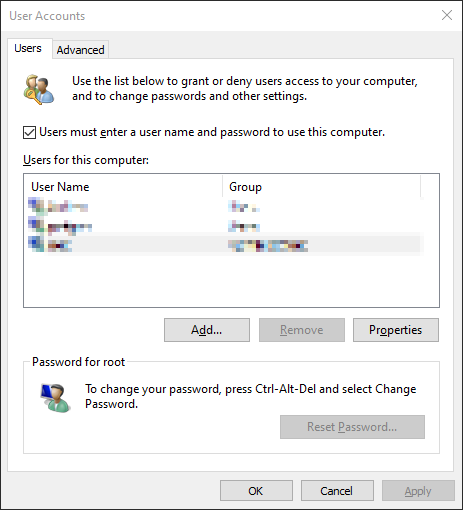
So I was finishing my fresh install on some second hand Lenovo ThinkCentre M93z AIOs that I had bought the night before, and I was trying to enable automatic sign-in.
So I ran the netplwiz application, and to my horror, the option was missing!
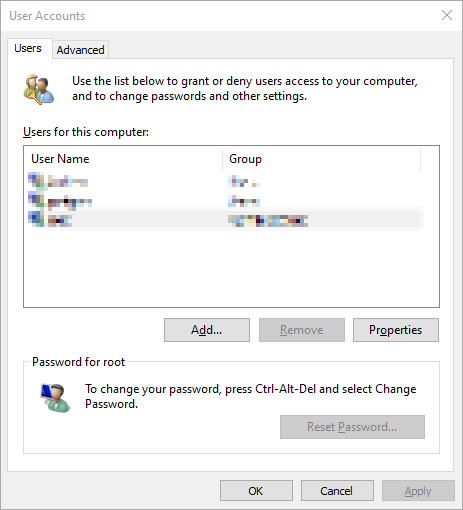
Turns out that the Windows 20H2 update had hidden the option to enable password-less sign-in. Probably it’s due to some security policy that they had decided wOuLd Be A gOoD iDeA.
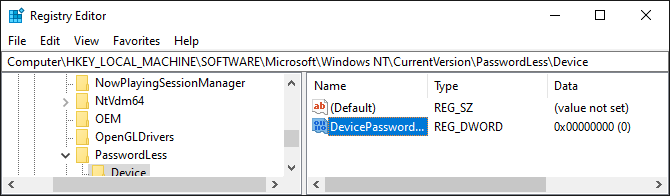
Luckily, there’s a registry entry that you can change to bring it back.
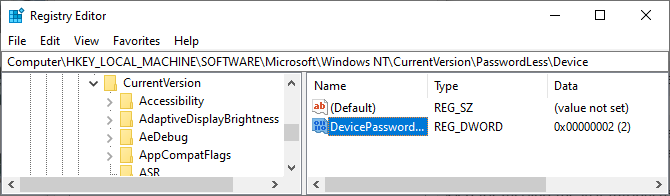
Set DWORD:
Computer\HKEY_LOCAL_MACHINE\SOFTWARE\Microsoft\Windows NT\CurrentVersion\PasswordLess\Deviceto0and you should be good :)
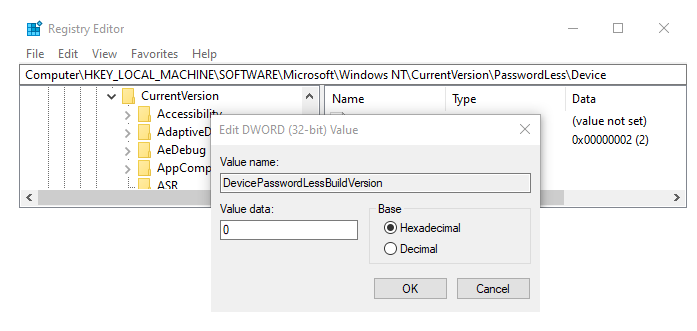
Tada! It’s back!